Apple Is Tightening macOS Full Disk Access — Because AI Agents Read Everything
Apple will require explicit user action for macOS Full Disk Access as AI agents Hoover up messages and files. What changes, and how to audit your Mac today.
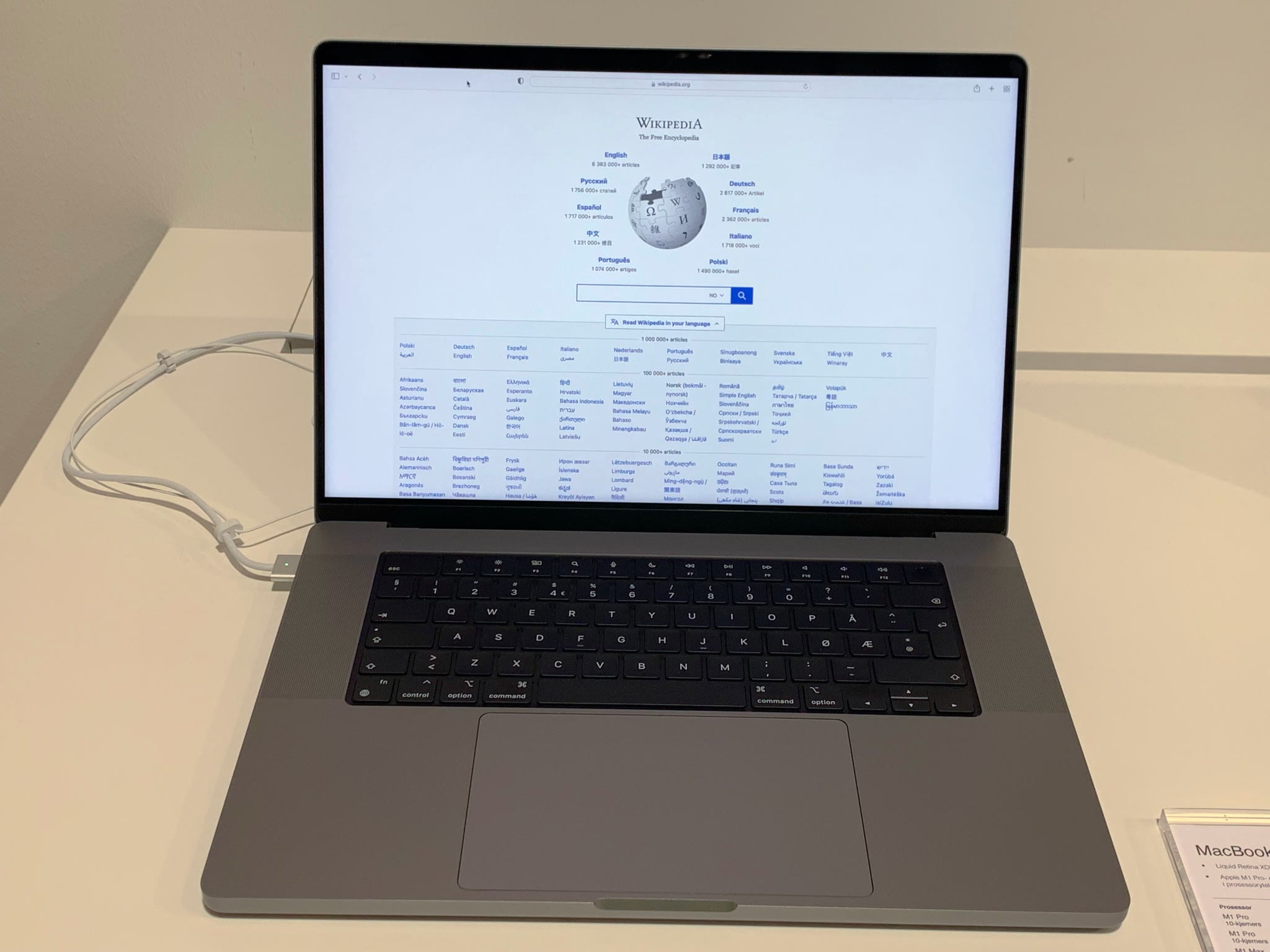
Your Mac has a permission called Full Disk Access, and for years it was the skeleton key of macOS. Grant it to an app and that app can read nearly everything: files, mail, messages, browsing history. On October 2, Apple announced it will add "additional controls" to Full Disk Access — new prompts requiring "very explicit user action" before any app gets that level of power. The trigger isn't backup software. It's AI agents that read everything, and the uncomfortable questions about what they do with it.
Why Apple is tightening macOS Full Disk Access now
Apple's own framing is blunt: Full Disk Access was built for backup apps, but it "largely sidesteps" the company's privacy controls, and some developers now use it to expose "files, mail, messages, and even browsing history without users' full knowledge." For communication apps, Apple added, this can compromise "the privacy of the people users are communicating with" — your friends didn't consent to an AI agent reading your chat history with them.
The spark was a very public fight. Inc. columnist Jason Aten claimed Meta's Muse Mac app had read his private messages without clear permission; Meta disputed it, saying Messages access requires both Full Disk Access and a separate Messages connector, and that it's revocable at any time. Whatever the truth of that specific case, the numbers explain Apple's urgency: Muse reportedly passed 5 million downloads, and users complained it accessed private messages while performing tasks as mundane as canceling subscriptions.
Apple hasn't given a ship date — this is a forward-looking policy change, not a settings flip arriving next Tuesday. But the direction is unmistakable, and it puts every always-on AI agent on notice.
The Mac's original sin: it's the open one
Here's the context that makes this story bigger than one permission prompt. iPhones and iPads sandbox apps by default — an app gets its own little box and has to ask, loudly, to leave it. Macs never worked that way. The Mac is the open platform, the one where power users run unsigned binaries and developers expect real access. That openness is exactly the gap AI agents are now exploiting: to be useful, an agent needs to see your files, your calendar, your messages. The most capable agents are the ones with the broadest access, which means the permission designed for backup software became the on-ramp for software that reads your life.
Apple's move is an attempt to square the circle — keep the Mac open, but make the moment of granting god-mode access impossible to sleepwalk through. "Very explicit user action" is doing a lot of work in that sentence. Expect scary-worded prompts, and expect some agents to get worse before they get better, because the honest ones will have to ask you for things the sneaky ones just took.
What this means for you
If you use AI agents on a Mac, three things are worth doing right now — no need to wait for Apple's update:
- Audit what already has Full Disk Access. System Settings → Privacy & Security → Full Disk Access. If an app you barely remember granted itself the keys to everything, revoke it. Our 10-minute app-permission audit walks through the same hygiene on all your devices.
- Treat "connect your messages" prompts as the serious decision they are. An agent that can read your inbox can read your password resets, your two-factor codes, your private conversations. Grant it like you'd hand someone your unlocked phone.
- Prefer agents that explain their access. The good ones tell you what they need and why. The ones that bundle "read all messages" into a vague "enable smarter features" toggle are telling you something too.
The deeper shift: the industry is learning that the agentic era breaks the old permission model. "Allow this app to access your files?" was a reasonable question when apps were tools. It's a different question when the app is an autonomous agent acting on your behalf while you make coffee. Apple tightening the screws is the first big-platform acknowledgment of that — it won't be the last.
And if you're on Windows wondering whether you're affected: Microsoft's ecosystem has its own version of this conversation coming. The end of Windows 11 24H2 support already has everyone rethinking their update hygiene; permission hygiene is next.